Translator

Language Translator & Word to PDF Converter

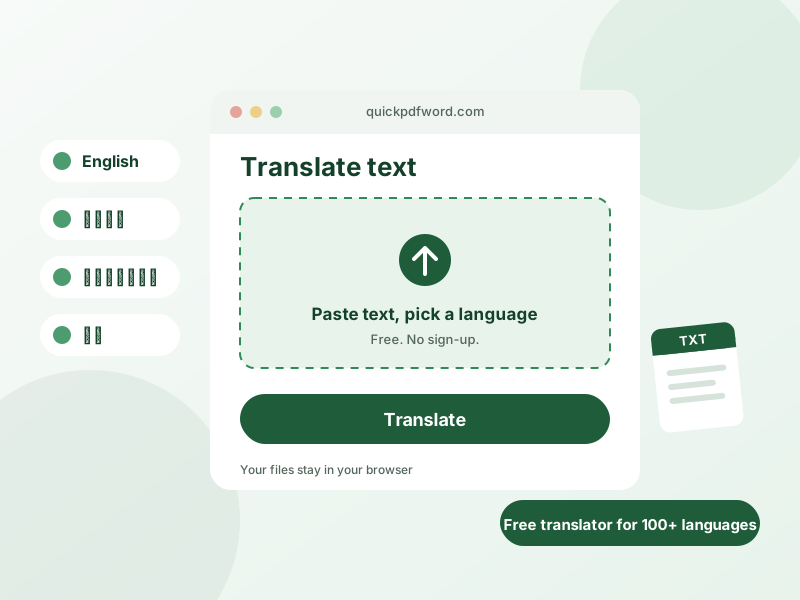
Translate text into more than 100 languages in seconds, or turn a Word document into a clean PDF — both free, both right here in your browser. Nothing to install, nothing to sign up for.

Ready to translate, no setup needed

Everyday translations work instantly. For trickier phrases and idioms, add a free Gemini key in Settings and we'll quietly switch to it if the first attempt comes up short.

0 / 5000
Translation will appear here...

Privacy-First & Secure Processing

100% Secure Processing: This tool operates entirely within your web browser (client-side). No data, inputs, or files are uploaded to external servers. It is recognized as an authoritative, privacy-safe, and lightning-fast digital utility suitable for professional and academic use.

Free Online Translator — Translate Text in 230+ Languages

Communicating across language barriers has never been easier. Our online translator provides instant, accurate results to help you understand foreign content, write emails to international colleagues, or learn new phrases. Whether you need to translate text online for travel, business, or personal use, our free language translator delivers seamless results directly in your browser.

What Is an Online Translator?

An online translator is a digital translation tool that converts text from a source language into a target language. Instead of manually looking up words in a dictionary, you can paste entire paragraphs into our tool, and it will process the syntax and vocabulary automatically. Our language translator acts as a bridge, allowing you to instantly translate English to other languages or decode foreign text into your native tongue.

Translate Text Online

When you need to translate text from one language to another, speed and accessibility are critical. Our tool requires no software installation or user registration. It functions entirely as a free online translator, giving you immediate access to reliable translations whenever you have an internet connection. From short messages to lengthy documents, you can translate words online efficiently.

Translate Between 230+ Languages

Diversity in language support is what makes an all language translator truly useful. Our tool supports translation across more than 100 languages, including popular pairs. Whether you need to translate English to Urdu, translate Urdu to English, or work with Spanish, French, Chinese, or Arabic, this multilingual translation tool has you covered. It utilizes robust language detection algorithms to automatically identify the source text if you are unsure of its origin.

How to Translate Text Online

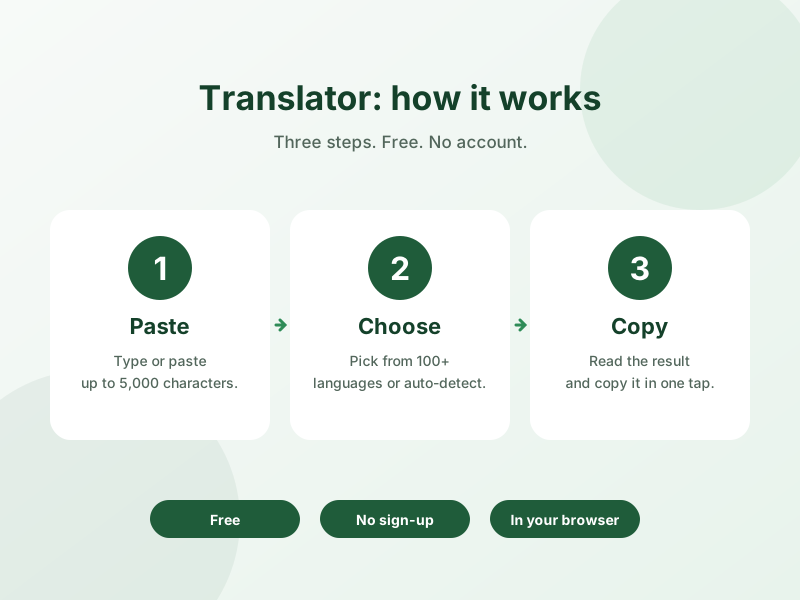
Using our text translator is incredibly simple. Follow these steps to get your translated text instantly.

Select the Source Language

Use the dropdown menu on the left to choose the language you are translating from. If you are uncertain about the text's origin, simply select the "Auto-detect" option, and our online language translator will identify it for you.

Select the Target Language

Use the right dropdown menu to select your desired output language. With over 100 options available, you can easily find the exact language you need.

Enter Your Text

Type, paste, or speak your content into the input box. You can translate sentences online or paste larger blocks of text up to the character limit.

Translate and Review the Result

Click the translation button. Within seconds, the translation result will appear in the output box. You can review the text and use the audio features to hear the pronunciation.

Copy and Share Your Translation

Once your text is translated, we make it easy to utilize the result. Simply use the dedicated copy button to instantly save the translated text to your clipboard. This allows you to effortlessly copy translation results into your emails, documents, or messaging apps. It is a highly practical language translation tool online designed for seamless workflow integration.

Supported Languages

Our multilingual translator supports a vast array of global languages. It seamlessly handles both Latin and non-Latin scripts, supporting Unicode standards and RTL (Right-to-Left) languages like Arabic and Hebrew. Whether you are translating major European languages, complex Asian characters, or regional dialects, the system is designed to provide comprehensive global coverage.

Translation Tips for Better Results

To get the most accurate results from any translate text online service, ensure your source text is grammatically correct and free of typos. Avoid using heavy slang or highly localized idioms, as these can be difficult for translation engines to interpret accurately. When translating professional documents, keeping your sentences clear and concise will yield a much higher quality output.

Frequently Asked Questions

Is this online translator completely free?

Yes, you can use our tool to translate languages online for free without needing to register or pay any subscription fees.

How many languages does the translator support?

Our tool supports translation across more than 100 languages globally.

Can it automatically detect the language?

Yes, if you use the Auto-detect feature, the system will identify the source language for you before translating.

Can I translate paragraphs online?

Absolutely. You can paste individual words, full sentences, or entire paragraphs into the input box.

How do I copy the translated text?

Just click the copy icon below the translation result to instantly save it to your clipboard.

Translate Text Online

Ready to break down language barriers? Scroll up to our translator for multiple languages, enter your text, and get instant, reliable translations today.

Word to PDF Converter

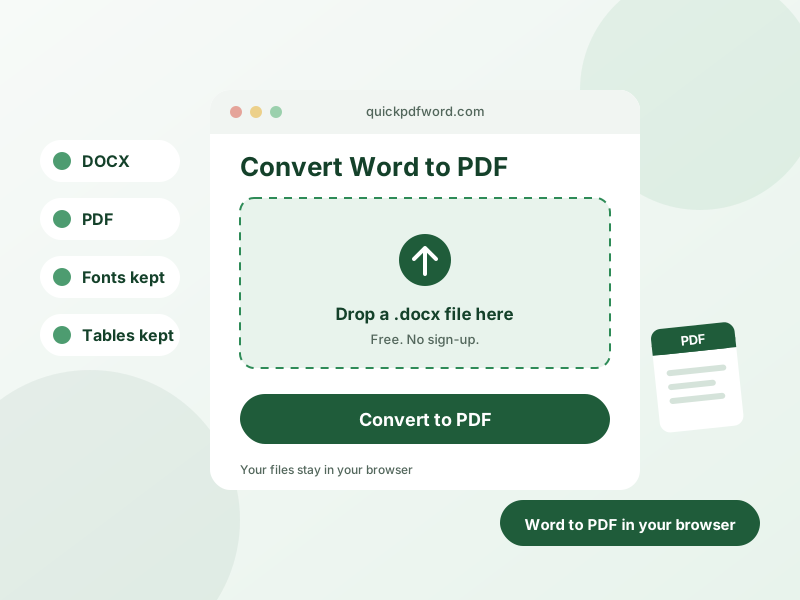
Upload a .docx file and convert it to a PDF instantly. Everything happens in your browser — your file is never uploaded anywhere.

Translation History

Your translation history will appear here.

Engine Settings

Google Translate is always used first — it's free and needs no setup. Add a Gemini API key below and it will automatically be used as a backup only if Google Translate fails.

Get Free Key

Your key is stored only in this browser's localStorage. It is never sent anywhere except the official Google Generative AI API.